YouTube Popup Tamer
By AnDre
No Rating Available.
Download and install the YouTube Popup Tamer extension 2.1.7.5 for Microsoft edge store. Also, YouTube Popup Tamer addons is very helpful for every computer and mobile users Users.

Screenshots:
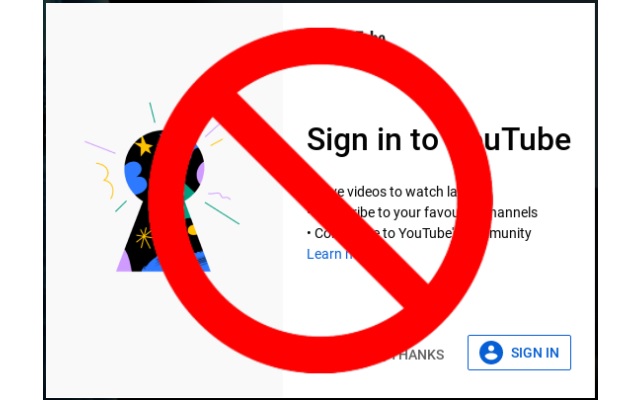

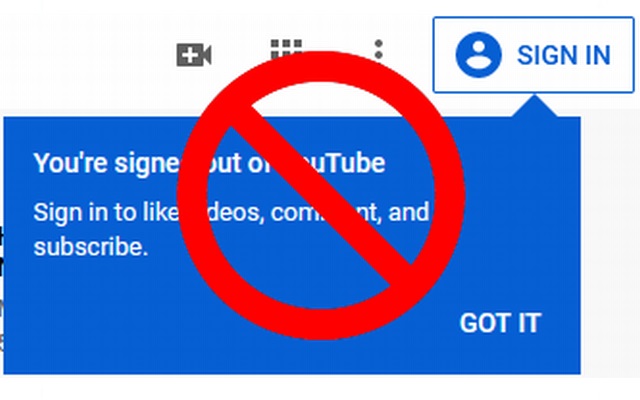

YouTube Popup Tamer extension for Edge
YouTube Popup Tamer Extension For Microsoft Edge you can help with quality browsers. Day by Day, Microsoft Edge. This guide will help you to download YouTube Popup Tamer extension 2.1.7.5 on their website. Anyway, YouTube Popup Tamer is developed by AnDre. First, you must download their Edge browser then this guide will help to install on their browser through the extension.
In the event that you have wanted to download an extension onto the latest version of Microsoft Edge, there is a simple and straightforward course of action. The following steps will enable you to download and install any extensions that you might want to use.
Table of Contents
Download YouTube Popup Tamer extension for Microsoft Edge
Edgeaddons.com is the most popular Microsoft Edge browser, an extension free download alternative website. On this website you can download Extensions no need for any Registration. I think you have a better solution to this website. YouTube Popup Tamer is the Accessibility category extension in the Microsoft Edge web store.
Anyway, You can understand how to download the free YouTube Popup Tamer extension 2.1.7.5 simply by visiting our website. There are no special technical skills required to save the files on your computer. So what are you waiting for? Go ahead!
YouTube Popup Tamer extension Features
Watch YouTube without interruptions. 2 modes – blocking (FF only) and closing annoying popups, video ads and more.
It blocks all popups and video ads before they even show up – you won’t even see any pause. If by changes in code or some other reason blocking module fails there is always clicking module.
Sadly Chrome doesn’t support blocking module :(((
Clicking module still works.
Only Firefox users can use YouTube with absolutely no interruptions.
All blocked, unnecessary stuff can take up to 48% of data sent to your browser !!!
I used many extension and they all have some defects, so i wrote one for myself, and i want to share it with you.
Works on any popup (big, small, on left and right 😉 ), but in particular:
– Sign in to YouTube
– Video paused. Continue watching?
– Age confirmation
– YouTube Music ad
– Chrome ad
– Make a donation to this channel
– You are not using a YouTube account
– and probably every annoying popup YT adds later…
Cookies popup excluded by default (can be enabled in options).
Unlike other similar extensions:
– has two modes that work simultaneously
– blocking works on 5 different YT network data responses
– blocking works on 6 different YT source codes
– it shouldn’t slow down your browser
– it works even if tab is not selected
– should work with future popups
Known issues:
– (blocking module) if there is “ERROR” instead % in stats box(lower left corner) or video won’t load it means that Google changed something in code or requests and blocking module will not work until i come across the same variant and make update
– (blocking module) when using back and forward button data will not change because of cache
– (clicking module) when login popup is tamed and you quickly load another video it may appear and be tamed once again (popup needs couple hundred ms to execute code)
– (clicking module) there are some yt functions that uses popup container and should be excluded (e.g. if you’re logged in the whole menu after clicking avatar in top right corner – this one is the only one excluded for now)
Development roadmap:
– “Get the best YouTube experience, Sign in to save videos, subscribe, and more” – error message in video container
It also clicks “Skip Ad” button when ad comes up (mainly for leftovers after Adblock).
Does not interfere with the Adblock Plus extension.
If you have any suggestions write me.
This extension will always be free.
If this extension made your life a bit easier and you want it to be further developed please make tiny donation, it would mean a lot to me.
PayPal: http://www.bit.ly/382is5H
Thanks!
In conclusion, the process for modifying our browser’s behaviour to add the word count feature is unbelievably simple. In this regard, an extension not only solves a problem that we have but also adds a greater degree of functionality to the experience of using an Edge browser. If you have any problem with YouTube Popup Tamer Add-ons install feel free to comment below next reply to answer this question.
Technical Information
| Version: | 2.1.7.5 |
|---|---|
| File size: | 72.17KiB |
| Language: | English |
| Copyright: | AnDre |